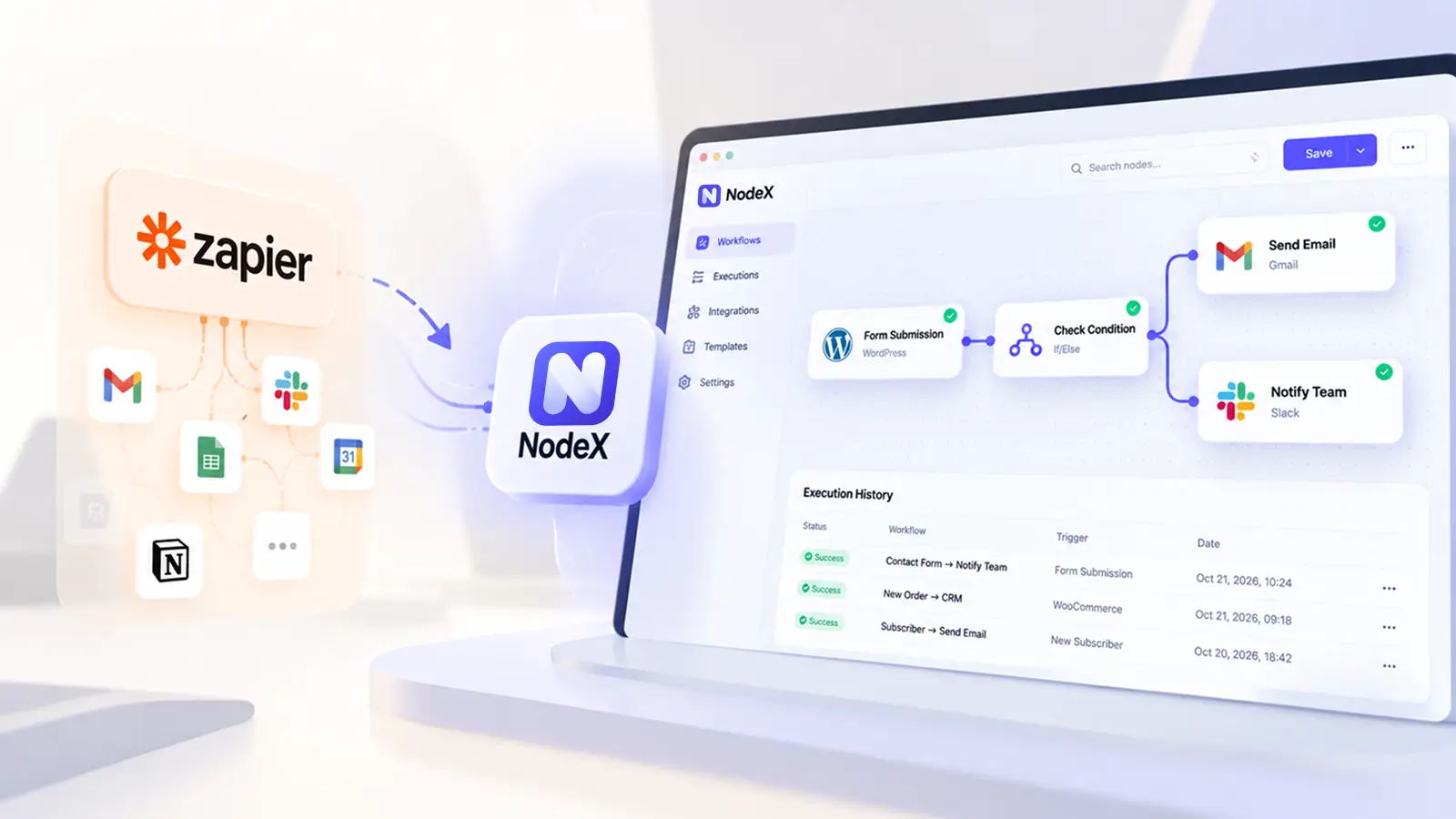
Searching for a Zapier alternative for WordPress? The right choice depends on where your workflow starts, which external apps it touches, and how much reliability, maintenance and control your team can manage. A WordPress-native plugin can be useful for events inside your site; Zapier remains an option when you need a broad range of hosted app connections.
This guide compares the trade-offs, highlights established WordPress options, and shows how to test a workflow before replacing a working automation. It also explains where our own visual automation project, NodeX, fits—without assuming that any tool is universally faster or cheaper.
When does a Zapier alternative for WordPress make sense?
Consider WordPress-native automation when a process starts with a WordPress event—such as a form submission, membership change or WooCommerce order—and most of its next steps also happen inside WordPress. Reducing service hops can simplify some workflows, but it may increase your responsibility for plugin updates, retries and server resources.
Keep a hosted integration platform in the evaluation when the workflow needs many unrelated third-party services, centralized monitoring across multiple systems, team-level administration or integrations your chosen WordPress plugin does not maintain.
What Zapier does well—and where the trade-offs are
Zapier connects WordPress to a large external integration ecosystem and provides hosted trigger/action workflows. Its official WordPress connector documents creating posts and users and reacting to new posts and comments; some configurations require the Zapier for WordPress plugin. See Zapier’s WordPress connection requirements.
The trade-offs are not simply “monthly fee versus free plugin.” Consider usage-based tasks, plan-specific features, data transfer to connected services and what happens when an authentication token or action fails. Zapier’s published pricing and task rules can change, so verify the current plan rather than relying on an old comparison chart. Official Zapier pricing.
WordPress automation alternatives worth evaluating
| Option | Where it fits | What to verify before choosing |
|---|---|---|
| Zapier | Broad app-to-app workflows hosted outside your WordPress site | Required apps, tasks, plan limits, data handling and monitoring |
| Uncanny Automator | WordPress plugin events combined into recipes, with optional external integrations | Trigger/action availability in your plan, integration coverage, delays and logging |
| AutomatorWP | WordPress-centric triggers and actions, with optional add-ons and webhooks | Add-on requirements, hosting load, event behavior and support |
| WP Webhooks | Incoming/outgoing webhook and API-oriented workflows | Authentication, retries, logging and whether advanced flows require Pro |
| NodeX (TopHive) | Visual WordPress-focused workflow editing; evaluate its current build as a developing product | Exact supported nodes, end-to-end execution, deployment and third-party credentials |
For independent options, consult their current listings rather than a static screenshot: Uncanny Automator, AutomatorWP and WP Webhooks. These products are not interchangeable: each has a different event model and integration boundary.
Where NodeX fits in the WordPress automation discussion
Disclosure: NodeX is a TopHive product. This article is written by its developer, so it is not an independent product ranking.
The current NodeX codebase is organized as a WordPress plugin with a React-based visual workflow editor and a WordPress/PHP integration layer. Its intended role is to help users assemble workflows with triggers, logic and actions without writing each automation from scratch. The exact node catalog and external integration behavior must be verified against the installed release, not assumed from a concept design.
Explore the NodeX AI product page for current availability and product information. NodeX is worth evaluating if your primary goal is to design and manage workflows inside WordPress. It is not a proven replacement for every Zapier integration. A workflow that calls Gmail, Slack, a CRM or an AI provider still depends on those external APIs, credentials, rate limits and service availability.
Example: form submission to customer follow-up
A practical pilot starts with a real WordPress form submission, then evaluates whether the automation can reliably send an authorized response and notify the right team. One possible sequence is:
- Trigger: receive a validated form submission from a supported form plugin.
- Condition: route an enquiry based on a field whose values are known and trusted.
- Action: send a confirmation through a configured email provider.
- Action: notify a team channel or record the lead when a supported integration exists.
- Failure path: log errors, avoid duplicate sends and provide a way to retry safely.
These are example workflow requirements, not a claim that every NodeX installation or free plan supports every step. Check compatibility and run an end-to-end test before relying on the process.
How to compare cost, performance and data handling fairly
1. Count the full cost of operation
Compare Zapier plan usage with plugin licensing (if any), hosting, support, third-party API charges, email delivery and maintenance. A WordPress-hosted workflow is not automatically zero-cost; an external API may bill separately even when the workflow builder does not.
2. Measure reliability, not only speed
Record successful runs, failed runs, duplicate actions, retries, time-to-action and recoverability. A local plugin may trigger faster for one event but perform worse during traffic spikes or slow external API calls. No general speed claim is meaningful without the same workflow tested under the same conditions.
3. Review data and security boundaries
WordPress-side events may be processed locally, but integrations necessarily send data to the receiving service. Use least-privilege credentials, documented retention practices, permission checks, webhook authentication and logs that avoid exposing personal data or secrets.
A migration checklist before replacing Zapier
- Inventory each existing Zap: trigger, actions, filter conditions, apps, credentials and owner.
- Check that your replacement supports every necessary trigger and action at the required version.
- Rebuild one low-risk workflow first in staging or a controlled test environment.
- Test valid, invalid, duplicate and delayed events; confirm failures are visible and retry behavior is safe.
- Compare actual execution counts, operational cost and maintenance obligations over a representative period.
- Switch ownership to the replacement only after disabling overlapping actions in the original workflow.
Which option should you choose?
Choose Zapier when wide external app coverage, a hosted management model and the existing workflow library matter most. Consider an established WordPress-native automation plugin when the work mainly involves WordPress plugins and your hosting team can manage its lifecycle. Evaluate NodeX if you prefer a visual workflow builder focused on WordPress, after confirming its current supported integrations and execution behavior firsthand.
There is no single best Zapier alternative for WordPress for every store or publishing workflow. The best tool is the one that completes your actual process reliably, at a defensible cost, with manageable support and security requirements.
Frequently asked questions
Can a WordPress plugin completely replace Zapier?
Sometimes for a specific set of workflows. It cannot be assumed for all apps or features. Compare your exact trigger and action list, authentication, retries, logging and supported connections.
Is a WordPress-native workflow automatically faster?
No. Performance depends on the event mechanism, site resources, queues, external API latency and failure handling. Measure your real workflow rather than relying on vendor claims.
Does native automation keep all data on my server?
Not when you connect external email, CRM, analytics or AI services. Review which fields leave WordPress and each provider’s security and privacy terms.
What should I test first?
Start with a reversible, low-risk workflow such as a form submission sent to a test mailbox. Verify validation, duplicate handling, failure visibility and cancellation before moving production traffic.